
Quick Answer — Pehle Yeh Samjhein
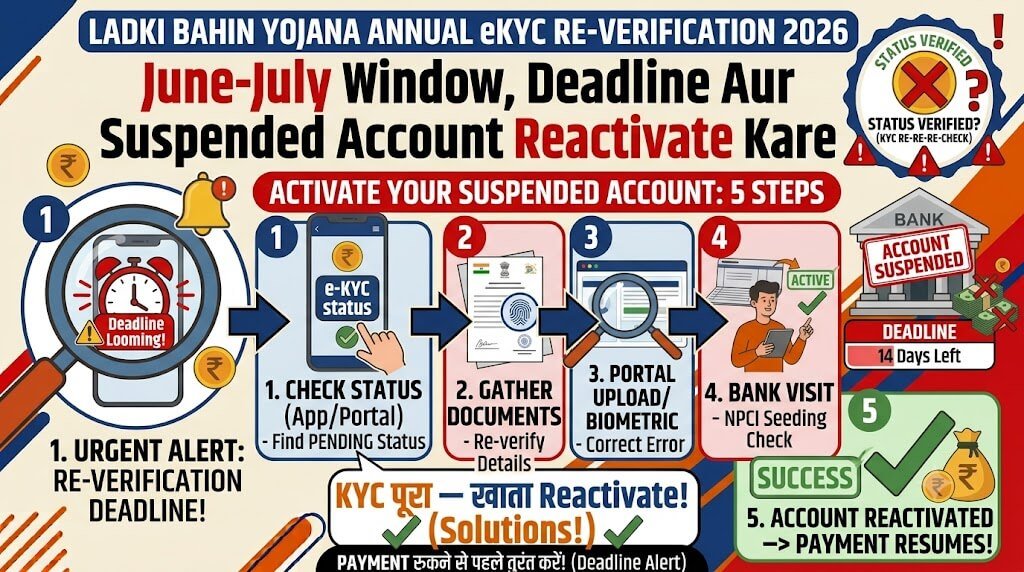
Ladki Bahin Yojana के तहत हर साल June-July में eKYC re-verification करना अनिवार्य है. यह annual process है — सिर्फ एक बार eKYC करने से काम नहीं चलेगा.
तीन तरह की स्थितियाँ हो सकती हैं:
Annual eKYC Re-Verification — Kya Hai Aur Kyun Zaroori Hai?
Annual eKYC Kya Hai?
Maharashtra government ने 18 September 2025 को एक Government Resolution (GR) जारी किया था जिसमें Ladki Bahin Yojana की सभी beneficiaries के लिए Aadhaar-based e-KYC अनिवार्य कर दिया गया.
सबसे important बात: यह eKYC सिर्फ एक बार नहीं, बल्कि हर साल करना होगा:
GR के अनुसार: Every year, women beneficiaries must complete e-KYC between June and July within a 2-month window to keep receiving the monthly benefit.
eKYC Kyun Zaroori Hai?
- Duplicate entries हटाने के लिए — 7.97 लाख duplicate registrations detect हुईं
- Ineligible beneficiaries को बाहर करने के लिए — 14,000 men, 5 लाख government employees, four-wheeler owners
- DBT transfer सुनिश्चित करने के लिए — Aadhaar NPCI mapper में bank linked होना चाहिए
- Fraud रोकने के लिए — ₹21.44 करोड़ का fraud detect हुआ था
June-July 2026 Window — Kya Khula Hai? Kab Khulega?
Current Status (July 2026)
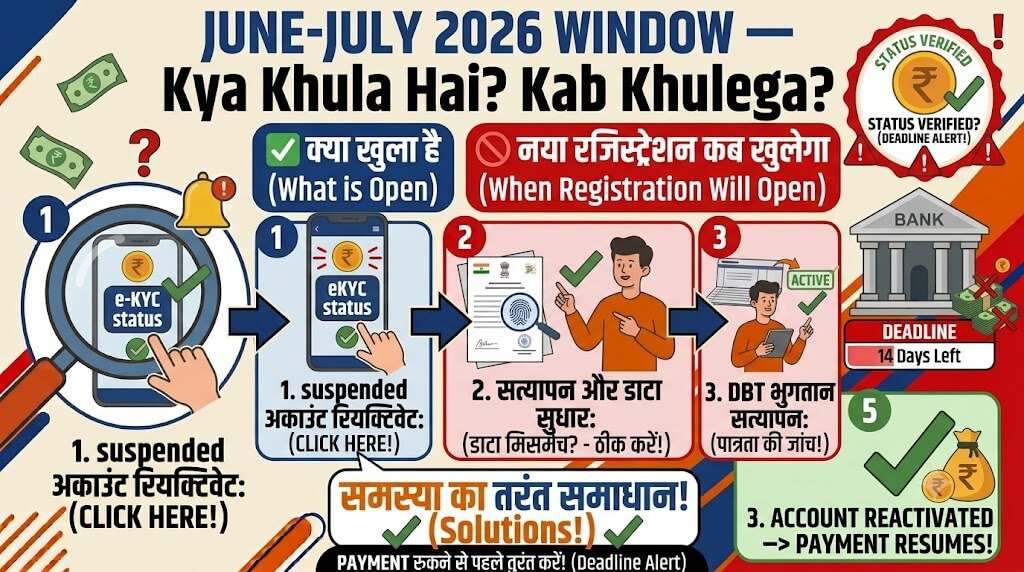
सबसे बड़ा सवाल: क्या June-July 2026 की annual eKYC window खुल गई है?
Verified information के अनुसार:
- April 30, 2026 की deadline के बाद portal पर eKYC का option बंद है
- Next annual eKYC window June 2026 में open होने की उम्मीद थी
- July 2026 तक official confirmation नहीं है कि window खुल गई है या नहीं
✅ Action: Official portal
ladakibahin.maharashtra.gov.inको regularly check करती रहें — government कभी भी short notice (48-72 hours) पर announcement कर सकती है.
Annual Window Kab Aur Kaise Kaam Karegi?
- All active beneficiaries को June-July के 2-month window में eKYC complete करनी होगी
- Portal पर eKYC link active होगा —
ladakibahin.maharashtra.gov.in/ekyc - Process online होगी — Aadhaar OTP के ज़रिए
- अगर window के अंदर eKYC नहीं की तो payments suspend हो सकती हैं
Suspended Account Kaise Reactivate Karein? — Step-by-Step
अगर आपकी account suspended है (eKYC miss करने की वजह से), तो ये steps follow करें:
Step 1: Apni Status Pehle Check Karein
- Official portal
ladakibahin.maharashtra.gov.inपर login करें Applications Made Earlierमें अपनी application select करें- Status check करें:
Step 2: Physical Verification Ke Liye Ready Ho Jaayein
Important: April 30 deadline के बाद portal पर eKYC का option बंद है. Reactivation का रास्ता physical है, digital नहीं.
- Nearest Anganwadi Centre
- Women and Child Development (WCD) District Office
- Setu Suvidha Kendra
Step 3: Documents Le Kar Jaayein
Re-verification के लिए ये documents साथ ले जाएँ:
| Document | Purpose |
|---|---|
| Aadhaar Card | Primary identity proof |
| Application Reference Number | Portal पर मिलेगा |
| Bank Passbook (Aadhaar-linked) | DBT account verification |
| Income Certificate / Ration Card | Eligibility proof |
| Supporting Documents (अगर falsely flagged हैं) | Address proof, retirement certificate, etc. |
Step 4: “Biometric-Assisted Re-Verification” Ke Baare Mein Poochhein
Some districts में “biometric-assisted re-verification” process चल रही है. WCD office में इसके बारे में specifically poochhein.
Step 5: 181 Helpline Par Call Karein
181 helpline को specially Ladki Bahin Yojana eKYC queries के लिए trained किया गया है:
- Timing: Mon–Sat, 9 AM–6 PM
- Kya poochh sakte hain: eKYC errors, payment delays, document corrections, reactivation process
Note: 181 helpline को January 2026 में launch किया गया था और call operators को specially trained किया गया है. Beneficiaries को phone पर ही rectification की guidance मिलेगी.
68 Lakh Accounts Removed — Kya Hoa?
Verification Drive Results
The government launched a large-scale verification drive in September 2025:
- Original beneficiaries: ~2.43-2.46 करोड़
- After initial screening (July 2025): 26.34 लाख removed
- After eKYC deadline (April 30, 2026): ~68 लाख accounts closed
- Final beneficiaries: ~1.75-1.88 करोड़ remain active
Grey Area vs Permanent Removal
Grey Area — Kya Karein?
- Portal abhi closed है, लेकिन physical re-verification process चल रही है
- Action: WCD office/Anganwadi centre जाएँ, 181 call करें, portal regularly check करें
Permanently Removed — Kya Karein?
- Re-apply नहीं कर सकतीं — यह permanent removal है
- इनमें शामिल हैं: income tax payer, government employee, four-wheeler owner, age >65
Common eKYC Errors — Aur Unka Solution
Error 1: “हा आधार क्रमांक … यादीत नाही”
Message: “हा आधार क्रमांक मुख्यमंत्री माझी लाडकी बहिण योजनेच्या यादीत नाही”
Matlab: Aadhaar number beneficiary list में नहीं है.
- 181 helpline पर call करें
- WCD office जाएँ और application reference number के साथ enquiry करें
Error 2: Government Employee Question — Galat Answer
Problem: eKYC form में सवाल — “तुमच्या घरातले कोणी सरकारी नोकरीत नाही ना?” — कई महिलाओं ने सतर्कता में “Yes” mark कर दिया.
Rule: सिर्फ immediate family members जो current household में रहते हैं और government service/pension ले रहे हैं.
- WCD office जाएँ और written clarification दें
- Supporting documents साथ ले जाएँ (address proof, retirement certificate)
Error 3: OTP Nahi Aa Raha
- Aadhaar-linked mobile number active है या नहीं check करें
- Bank में mobile number update करवाएँ
- 181 helpline पर call करें
Step-by-Step — eKYC Kaise Karein? (Jab Window Khule)
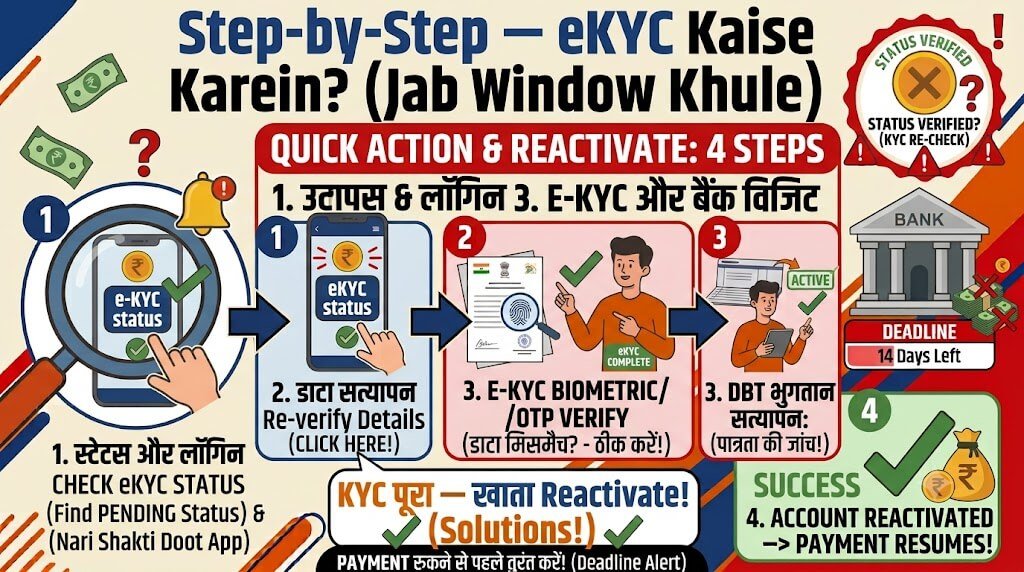
Jab June-July window khulegi, toh yeh process follow karein:
- Official portal:
ladakibahin.maharashtra.gov.inपर जाएँ - e-KYC link पर click करें —
ladakibahin.maharashtra.gov.in/ekyc - Aadhaar number और captcha code भरें
- “मी सहमत आहे” पर tick करें → “ओटीपी पाठवा” पर click करें
- Aadhaar-linked mobile पर OTP enter करें
- अगर Aadhaar beneficiary list में है → आगे बढ़ें
- पति या पिता का Aadhaar number डालें
- Category (जाति वर्ग) select करें
- Declarations accept करें:
- परिवार का कोई सदस्य government job में नहीं है
- परिवार में केवल 1 married और 1 unmarried woman scheme का benefit ले रही है
- Submit करें — “Success” message आना चाहिए
Important: eKYC complete होने पर screenshot सुरक्षित रख लें.
Helpline & Support — Kahan Contact Karein?
181 Helpline (Primary Contact)
- Dedicated: Ladki Bahin Yojana eKYC और payment issues के लिए
- Timing: Mon–Sat, 9 AM–6 PM
- Trained operators: eKYC errors, payment delays, document corrections
Offline Support
Important 2026 Updates — Ek Nazar Mein
FAQ — 6 Real Questions People Search
Q1: June-July 2026 ki annual eKYC window khul gayi kya?
Abhi (July 2026 तक) कोई official confirmation नहीं है कि window खुल गई है. Portal पर eKYC का option अभी बंद है. Official portal ladakibahin.maharashtra.gov.in को regularly check करती रहें.
Q2: eKYC deadline (30 April 2026) nikal gayi — kya ab bhi account reactivate ho sakta hai?
हाँ — physical re-verification के ज़रिए possibility है. April 30 deadline के बाद portal closed है, लेकिन WCD office/Anganwadi centre physical verification process available है. Action: WCD office/Anganwadi centre जाएँ, 181 call करें.
Q3: Annual eKYC kya hai? Kya mujhe har saal karna hoga?
हाँ। GR के अनुसार, हर साल June-July के 2-month window में eKYC re-verification करना अनिवार्य है. यह सिर्फ एक बार का process नहीं है — benefits जारी रखने के लिए हर साल करना होगा.
Q4: Suspended account kaise reactivate karein?
April 30 deadline के बाद online option बंद है. Reactivation का रास्ता physical है:
- Nearest Anganwadi Centre या WCD District Office जाएँ
- Aadhaar, application reference number, bank passbook साथ ले जाएँ
- “Biometric-assisted re-verification” के बारे में poochhein
- 181 helpline पर call करें
Q5: Mera account “Suspended” kyun hai?
- eKYC complete नहीं की
- eKYC में गलत option select किया (government employee question)
- Data mismatch (Aadhaar, bank account, personal information)
Q6: 181 helpline par kya help milti hai?
181 helpline specially Ladki Bahin Yojana के लिए launch की गई है:
- eKYC errors resolve करने के लिए
- Payment delays के लिए
- Document corrections के लिए
- Scheme से जुड़ी कोई भी query के लिए
Trained operators assist करेंगे.
Disclaimer
यह guide एक private informational blog है, न कि कोई official government website। सभी जानकारी official portal और सार्वजनिक रूप से उपलब्ध news reports (जुलाई 2026 तक) पर आधारित है।
हमेशा official portal पर verify करें: 👉 https://ladakibahin.maharashtra.gov.in
किसी भी scheme-related query के लिए 181 helpline पर call करें या अपने local Anganwadi/Seva Kendra जाएँ। यह जानकारी केवल सूचनात्मक उद्देश्यों के लिए है और कोई कानूनी या वित्तीय सलाह नहीं है।

Blogger | Educational Writer | Compilance Auditor